
HR Dashboard
Human resources overview and key statistics for optimal staff tracking.
Introduction
The HR dashboard provides a centralized view of all activities and statistics related to human resources management. It allows managers to get a quick overview of staff status, leave, absences and evaluations.
Good to Know
The dashboard updates in real-time and displays data for the current academic year. Statistics can be filtered by period, department or function.
Overview
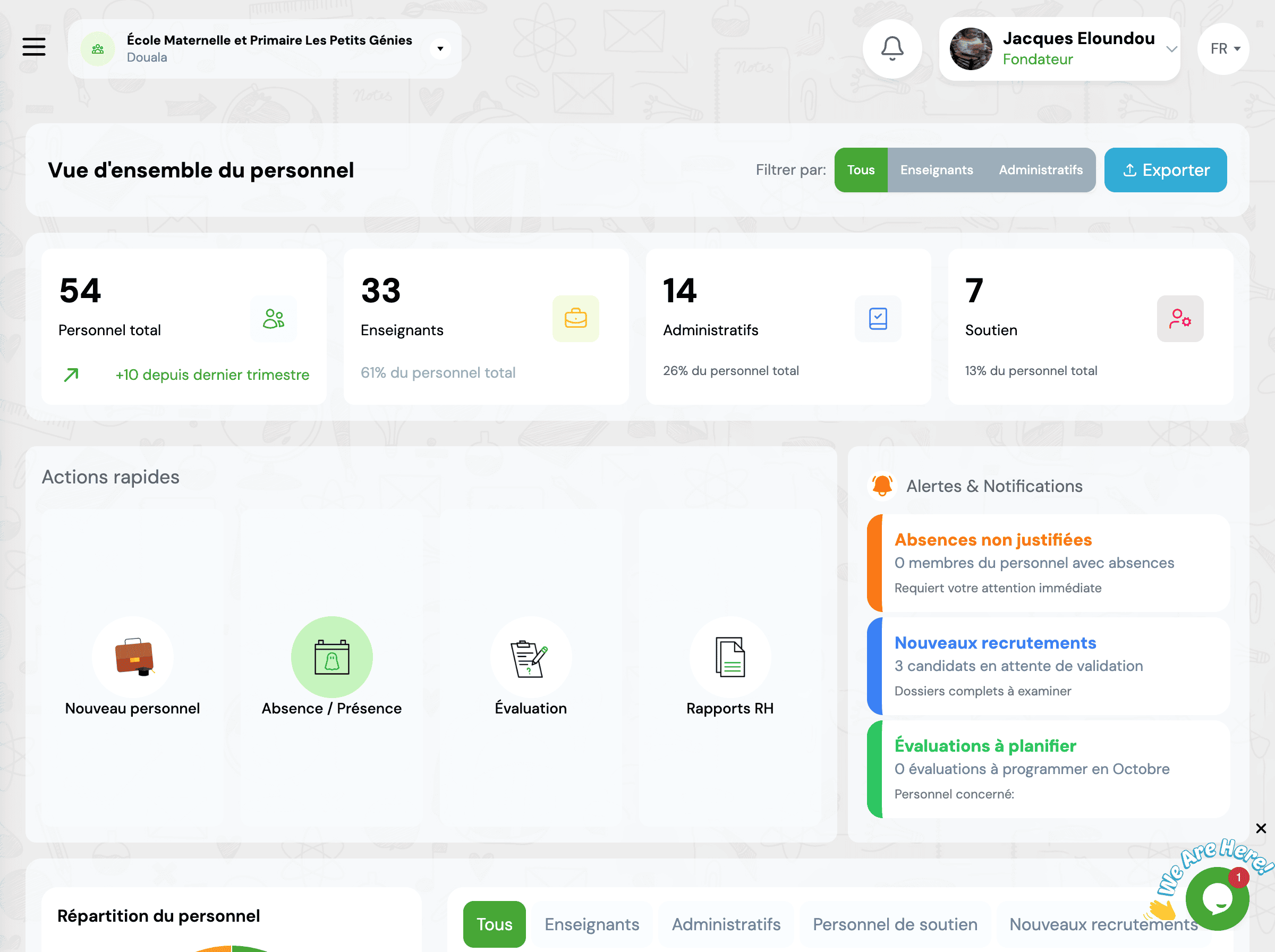
The dashboard presents several key sections that give you an instant overview of your institution's HR situation.
Key Metrics
Total Staff
Total number of active staff members in the institution
Today's Absences
Number of staff members absent today
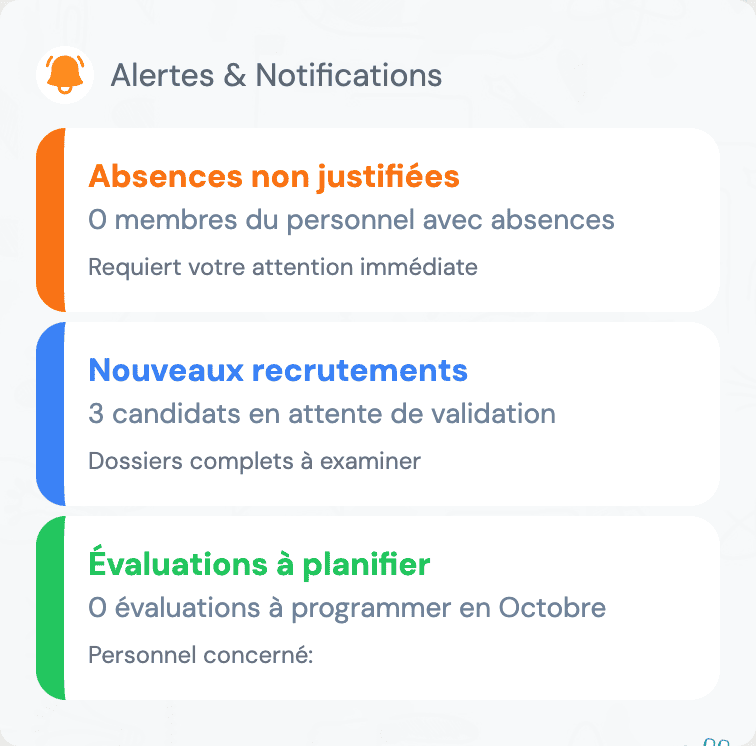
Pending Leave Requests
Leave requests awaiting approval
Evaluations
Upcoming or ongoing evaluations
Tip
Click on each metric card to directly access the corresponding detailed section.
Charts and Statistics
📊 Staff Distribution
Visualize staff distribution by function, department or contract type.
📈 Absence Trends
Track absence trends over recent months to identify patterns.
📅 Leave Usage
View leave usage statistics by type and period.
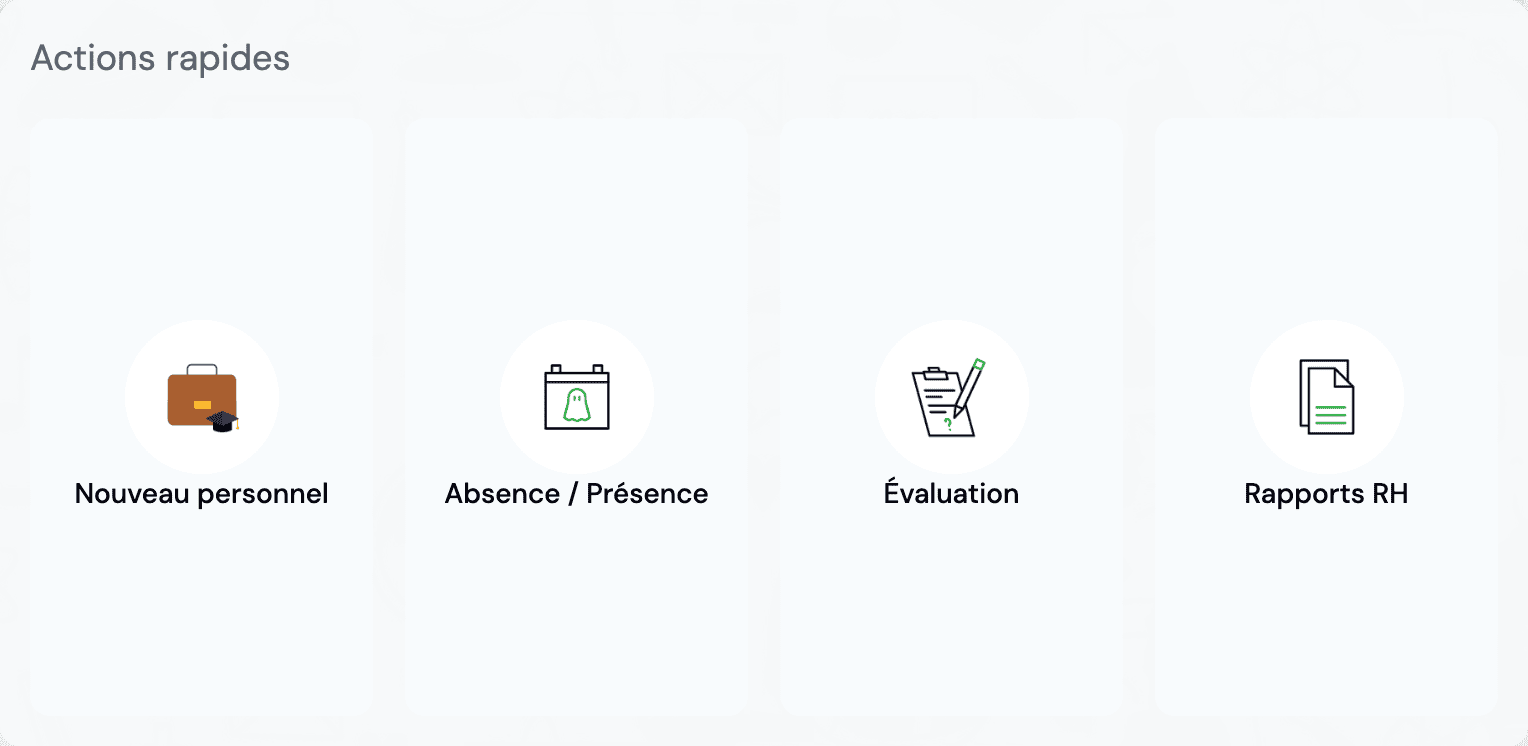
Quick Actions
The dashboard provides shortcuts to the most frequent actions to save time.
Add Staff Member
Quickly create a new staff file
Record Absence
Report an absence for today
Generate Report
Create a custom HR report
Approve Leave Requests
Process pending requests
View Attendance
Check today's attendance records
Schedule Evaluation
Create a new evaluation
Explore Features
Discover all the features of the HR module:
