
Manual Payments Validation
Verification and approval of manual payments submitted by parents.
Introduction
This page centralizes all manual payments submitted by parents and pending validation. You can review each payment, verify the transaction, and approve or reject it.
Overview
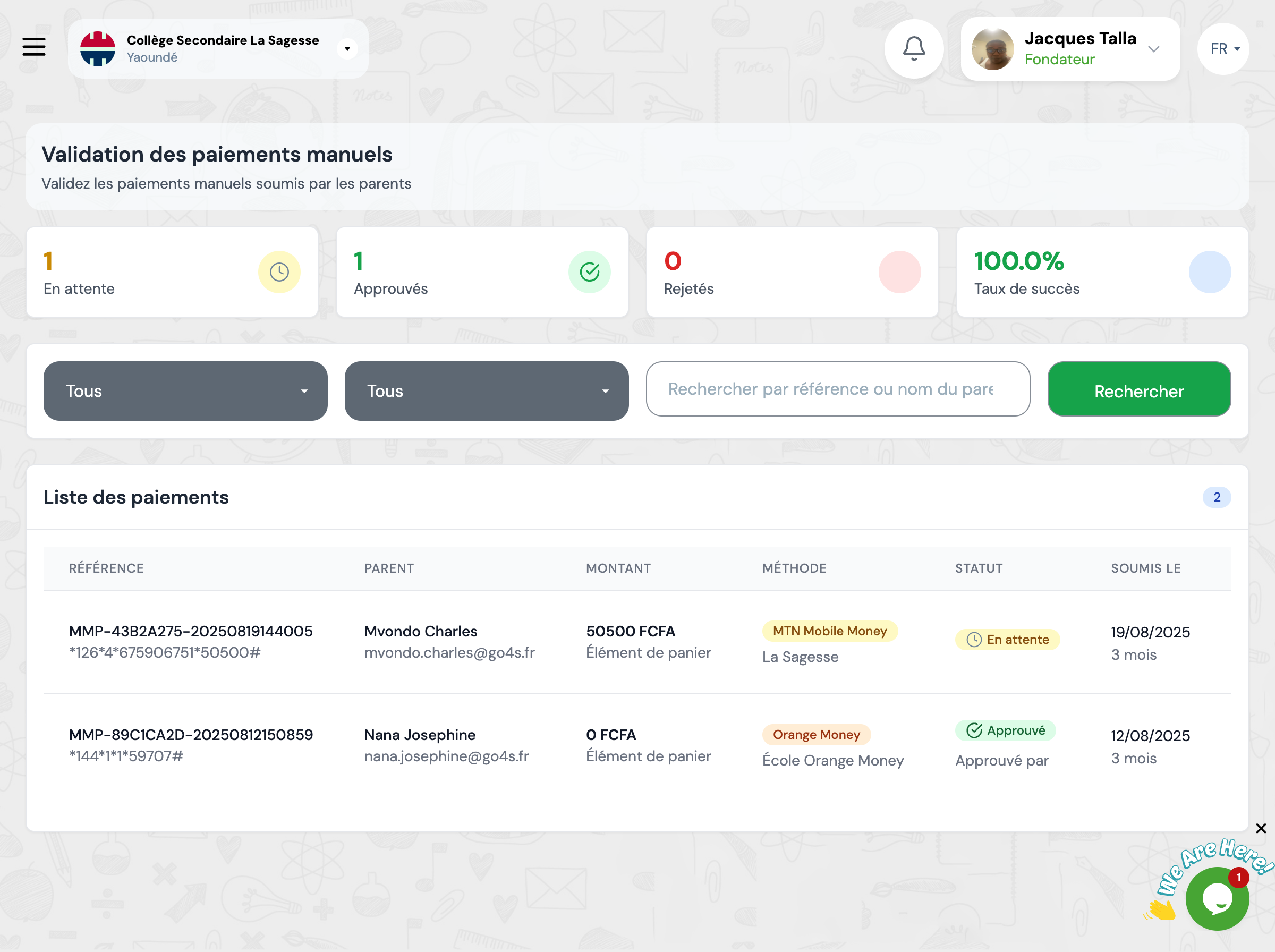
The payments list displays all submitted transactions with their status, reference, amount, and payment method.
Validation Process
Follow these steps to validate a manual payment:
Review Transaction
Click 'View' to display payment details and proof submitted by the parent
Verify Transaction
Verify the transaction reference with the operator or bank to confirm payment
Approve or Reject
If the transaction is valid, approve it. Otherwise, reject it with an explanatory reason
Available Filters
Use filters to quickly find payments by their status or method.
Status
Filter by status (Pending, Approved, Rejected)
Payment Method
Filter by method (Orange Money, MTN Mobile Money, Bank Transfer)
