
GO4SFEES
Manual Payments Configuration
Manual Payments Configuration
Account setup for manual payments via mobile money and bank transfers.
Introduction
Manual payments allow parents to pay directly at an operator or via bank transfer, then submit proof of payment for validation by the school.
Overview
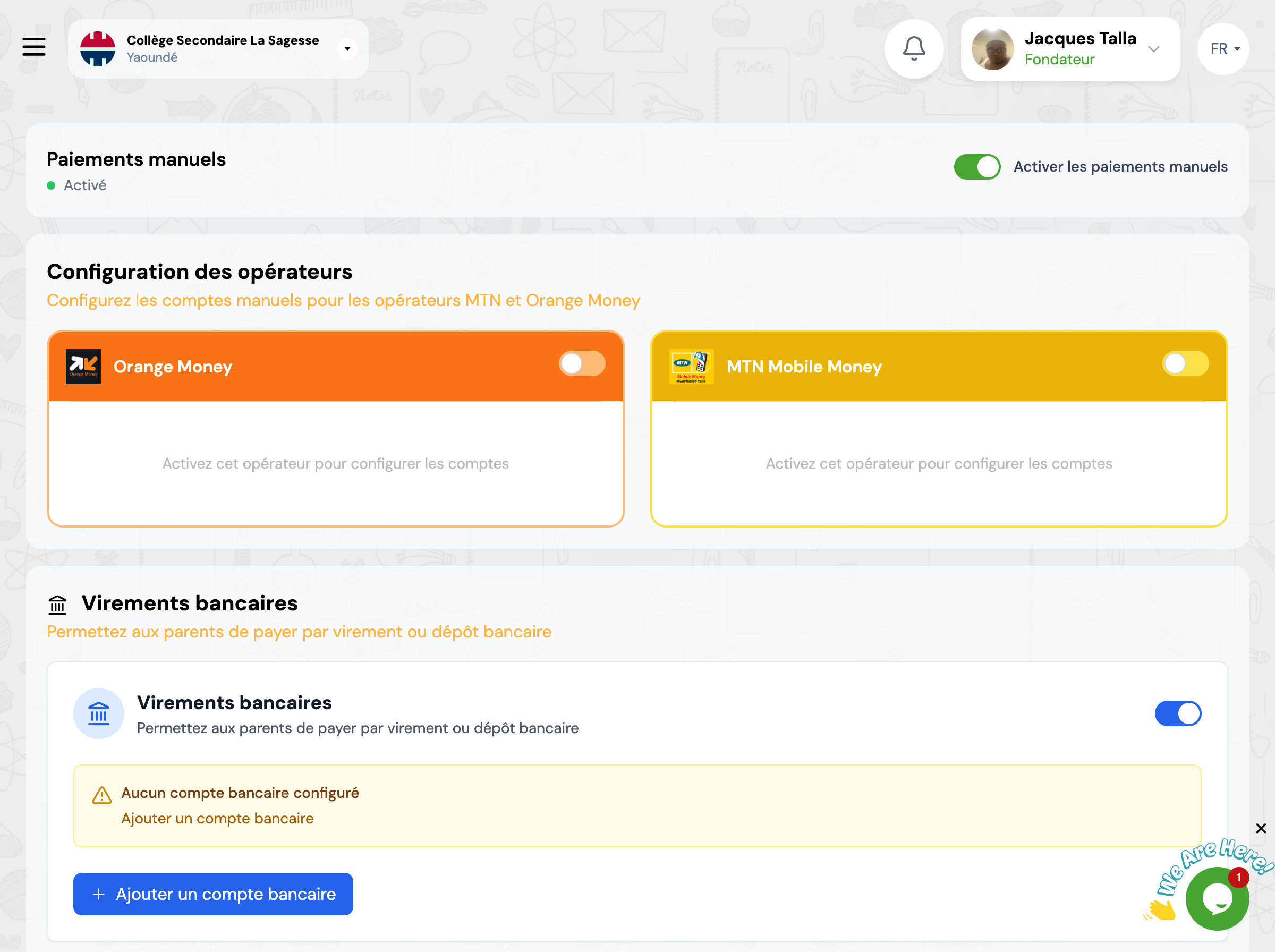
This page allows you to enable and configure the different manual payment methods available to parents.
Operators Configuration
Enable mobile money operators for which you accept manual payments.
Orange Money
Enable to allow parents to pay at Orange Money agency and submit receipt
MTN Mobile Money
Enable to allow parents to pay at MTN agency and submit receipt
Bank Transfers
Configure your bank accounts to accept payments by transfer or bank deposit.
Important
You must first add a bank account in the bank accounts section before enabling this option.
