
Communications List
View and manage all communications sent to your school community.
Introduction
The communications list centralizes all communications sent to parents and staff. You can view details of each communication, see who read it, and manage responses.
Overview
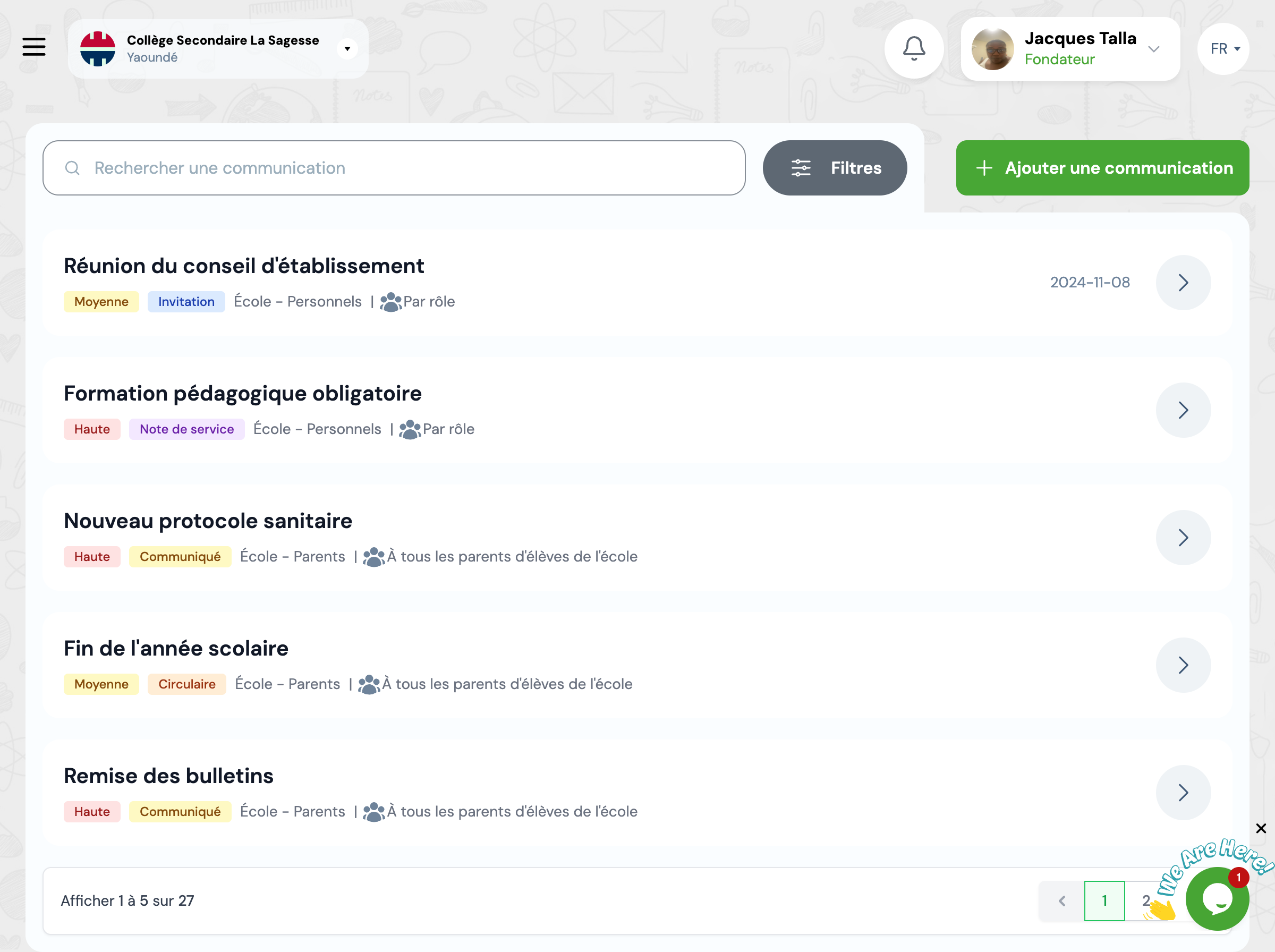
The list displays all communications with their main information: type, title, target audience, send date, read rate, and status.
Communication Types
Invitation - To invite to an event
Summons - To summon to a mandatory meeting
Announcement - To inform of important news
Service Note - To transmit instructions to staff
Circular - To distribute general information
Available Filters
Use filters to quickly find communications according to different criteria.
Communication Type
Filter by type (Invitation, Summons, Announcement, etc.)
Target Audience
Filter by recipients (Parents, Staff, Specific Classes)
Period
Filter by send date
Available Actions
For each communication, you can perform several actions.
View Details
View complete content and read statistics
View Responses
View recipient responses if a response was requested
Duplicate
Create a new communication based on this one
Next Steps
Now that you know how to manage communications:
